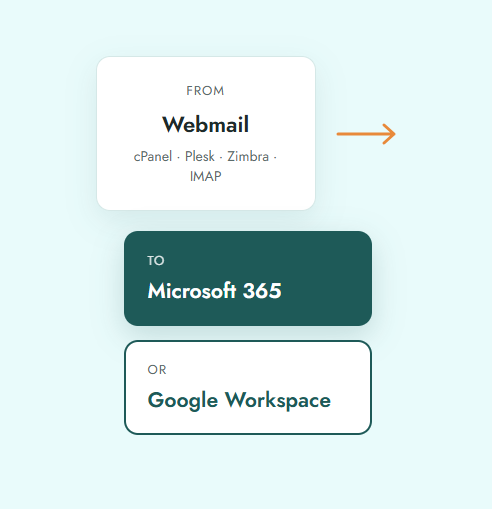
Outgrown your webmail? We move your mailboxes, folders, contacts and calendars to Microsoft 365 or Google Workspace. Your team keeps working while we handle the switch.
Basic webmail works when you start out. As your team grows, its limits start to cost you time and money.
Get 30 GB or more of storage per user, depending on your plan.
Built-in spam, phishing and malware protection from Microsoft and Google.
Use Outlook or Gmail on desktop, phone and browser, always in sync.
Shared calendars, video meetings, cloud storage and live document editing.
Your emails reach inboxes, not spam folders, with proper SPF, DKIM and DMARC setup.
Two-factor login, admin controls and data backup options.
Not sure which one suits you? Our team will recommend the right fit for how your business works.
| Microsoft 365 | Google Workspace | |
|---|---|---|
| Best for | Teams that use Outlook, Word and Excel every day | Teams that prefer Gmail and work in the browser |
| Email app | Outlook (desktop, web, mobile) | Gmail (web, mobile) |
| Meetings and chat | Microsoft Teams | Google Meet and Chat |
| Cloud storage | OneDrive and SharePoint | Google Drive and Shared Drives |
| Documents | Word, Excel, PowerPoint | Docs, Sheets, Slides |
Still deciding? Ask our experts on WhatsApp
Free assessment
We check your mail server, mailboxes and data size, then share a clear plan and timeline.
Account setup
We set up Microsoft 365 or Google Workspace, verify your domain and create every user.
Data copy
Emails, contacts and calendars are copied in the background while your team keeps working.
Switch over
We update MX, SPF, DKIM and DMARC records, usually after office hours.
Final sync and handover
We copy any last emails, set up Outlook or Gmail on laptops and phones, and stay with you.
Hosting and email experience across hundreds of Indian businesses and agencies.
Licences, setup, migration, DNS and device configuration, all handled by one team.
Data is copied in the background and the switch is scheduled at a time that suits you.
A final sync after the switch picks up anything that arrived during the move.
Reach us on WhatsApp, phone or support ticket, any time.
We stay available for login issues, device setup and user questions.
Very little. We copy your data while your old webmail is still running and switch over after office hours. Most teams notice no interruption.
Yes. Your domain and email addresses stay exactly the same.
Yes. We provide licences and the migration together, with one point of contact for billing and support.
Yes. We guide your team through setting up email on laptops and phones after the switch.
No. After the switch, we run a final sync to bring over any emails that arrived during the move.
It depends on the number of mailboxes and data size. Small teams usually move within 1 to 3 working days. We share a timeline after the free assessment.
The list of mailboxes, access to your current mail server or its passwords, and access to your domain DNS. If your domain is with eGlueWeb, we handle DNS for you.
Yes. We can move one department at a time if that suits your business better.
Tell us about your current setup and we'll send you a free migration plan.
