
How to Update Your GoDaddy Domain’s Nameservers for eGlueweb Hosting
 eglueadmin
 June 10, 2026



 eglueadmin
June 10, 2026
eglueadmin
June 10, 2026
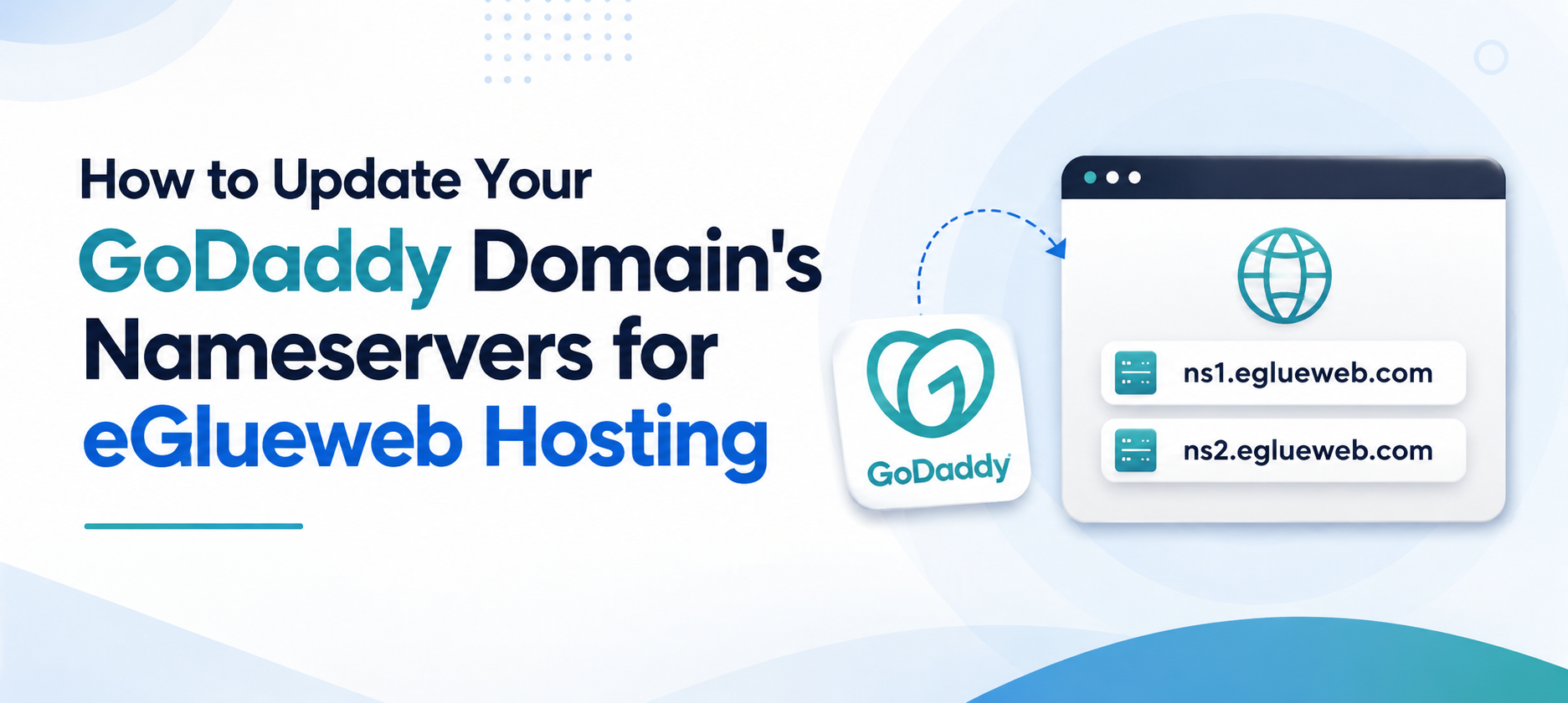
When you purchase web hosting from eGlueweb, one of the first steps to make your website live is updating your domain’s nameservers. If your domain is registered with GoDaddy, this guide will help you point your domain to your eGlueweb hosting account quickly and easily.
Nameservers connect your domain name to your web hosting server. When someone visits your website, nameservers tell the internet where your website files are hosted.
For eGlueweb hosting, use the following nameservers:
ns1.eglueweb.com
ns2.eglueweb.com
Step 1: Log in to Your GoDaddy Account
Step 2: Open Domain Settings
Step 3: Change the Nameservers
Step 4: Wait for DNS Propagation
After updating the nameservers, the changes need time to spread across the internet. This process is called DNS propagation.
During this time, some visitors may see the old website while others see the new one.
You can verify the nameserver update using online DNS lookup tools or by contacting the eGlueweb support team.
Once the nameservers point to eGlueweb, your website and email services will start working from your hosting account.
At eGlueweb, we make web hosting simple and reliable. Whether you’re launching a personal blog, business website, or eCommerce store, our hosting solutions are designed to deliver performance, security, and ease of use.
Need Help?
If you need assistance updating your GoDaddy domain’s nameservers, our support team is always ready to help.
📞 Call Us: +91 62385 03057
💬 WhatsApp Support: Available 24/7
Simply share your domain name with our team, and we’ll guide you through the entire process. We can even help verify that your nameservers have been updated correctly and ensure your website is pointing to the right hosting account.